
Introducing the LeadMagic CLI
B2B enrichment in your terminal: one-command install, fast CSV enrichment, and plain-English data queries without a browser.
Patrick Spielmann
February 25, 2026
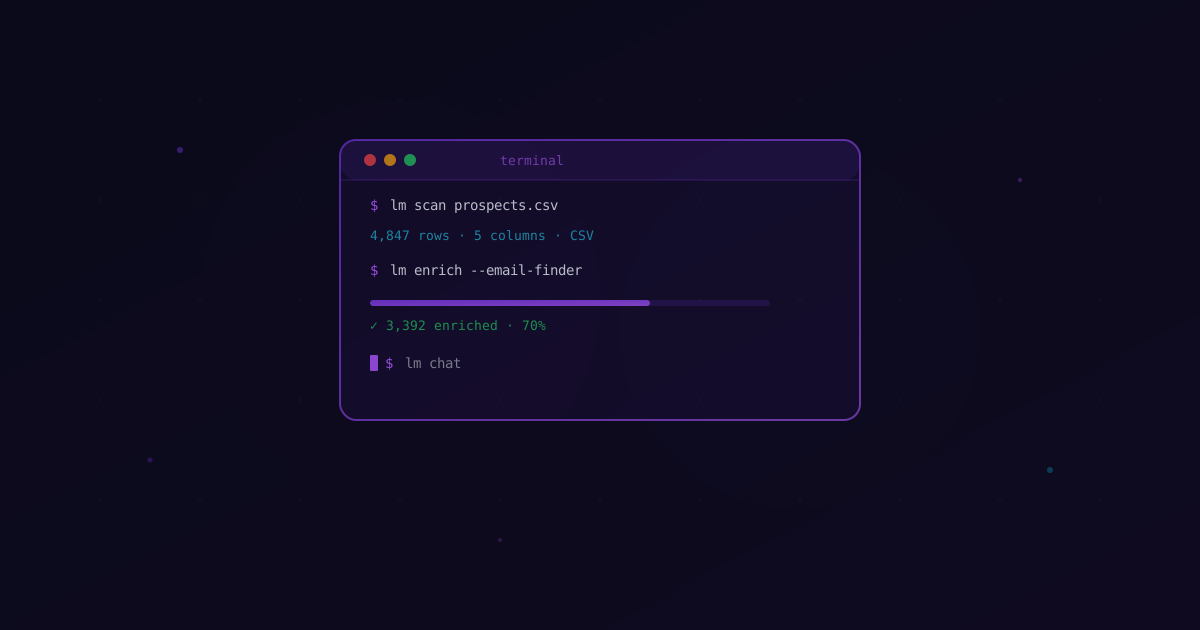
If you have ever exported a CSV from your CRM, uploaded it to an enrichment tool, waited for results, downloaded the output, and re-imported it — you already know the problem. That loop is slow, manual, and breaks every time you need to do it at scale.
The LeadMagic CLI eliminates that loop entirely. Install it in one command, authenticate with your existing API key, and go from raw CSV to fully enriched leads without leaving your terminal.
Why a CLI for Data Enrichment?
Dashboards are useful for reviewing results. But the actual work — scanning files, running enrichment, filtering by criteria, exporting clean data — happens faster in a terminal.
The CLI is built for people who already live in the command line: developers automating pipelines, growth engineers processing lead lists, agencies running enrichment for multiple clients, and the growing wave of vibe coders who use AI tools to build and ship faster than ever.
The Problems It Solves
Manual CSV round-trips. Upload, wait, download, re-upload. Every enrichment run through a web UI costs you 10-15 minutes of clicking. The CLI does it in one command.
No automation path. Web dashboards cannot be scripted. You cannot cron a button click. The CLI pipes into your existing shell scripts, CI/CD pipelines, and automation workflows.
Context switching. Switching between your terminal, a browser tab, and a spreadsheet app fragments your focus. The CLI keeps everything in one place — including an AI chat that understands your data.
Install in 30 Seconds
One command handles everything on macOS, Linux, and Windows.
macOS & Linux:
curl -fsSL https://releases.leadmagic.io/install.sh | bash
Windows (PowerShell):
irm https://releases.leadmagic.io/install.ps1 | iex
Both installers verify downloads with SHA-256 checksums, use HTTPS-only connections, and include tamper detection that fails closed. No manual dependency management required.
After install, two commands get you running:
lm login    # Opens app.leadmagic.io — authenticates via OAuth
lm chat     # Starts the AI chat — auto-initializes your project
What You Can Do
Scan Your Data
Point the CLI at a directory and it inventories every data file it finds:
$ lm scan .
  prospects.csv    CSV    2.1 MB    4,847 rows    email, first, last, domain, company
You get file type, size, row count, and detected columns before spending a single credit.
Bulk CSV Enrichment
Drop any CSV, pick a column (email, domain, name + company), and run enrichment across every row. Results land in a local SQLite database at .leadmagic/ in your project directory — query offline, version with git, export when ready.
Available enrichments include email finding (95%+ accuracy), email validation (SMTP + MX verification), company enrichment (40+ fields including industry, headcount, funding, tech stack), contact enrichment (job title, seniority, direct phone, current employer), and mobile number lookup.
AI Chat
This is the feature that changes how you interact with your data. Run lm chat and ask questions in plain English:
> Which companies in my list raised Series B?

Found 23 companies with Series B funding:
┌─────────────────┬────────────────┬──────────────┐
│ Company         │ Funding        │ Headcount    │
├─────────────────┼────────────────┼──────────────┤
│ Acme Inc        │ $45M Series B  │ 150-200      │
│ TechCorp        │ $30M Series B  │ 80-120       │
│ DataFlow        │ $22M Series B  │ 50-80        │
└─────────────────┴────────────────┴──────────────┘
No SQL required. The AI understands your CSV structure, queries your local database, and returns formatted results. Ask follow-up questions, filter by criteria, or request summaries — it handles the translation from natural language to structured queries.
Data Wrangler
Before you spend credits on enrichment, the data wrangler helps you clean your input. Load CSVs, detect and remove duplicates, normalize columns, and run quality scoring. Built-in intelligence flags issues like malformed emails, missing domains, and inconsistent formatting.
Real Workflows
Agency Running Outbound for 5 Clients
An agency managing prospecting for multiple clients can process each client's lead list independently. Drop the CSV, run enrichment, query results to segment by ICP criteria, and export clean lists — all without logging into a web UI for each client. Pipe the output into Smartlead or Instantly via their APIs and the entire flow stays in the terminal.
Developer Building an Enrichment Pipeline
A growth engineer building enrichment into a product pipeline can script the CLI into a cron job. New leads arrive as CSVs from a webhook, the CLI enriches them, and results feed into the CRM via API. The CLI is fully scriptable — set your API key as an environment variable, pipe CSVs through enrichment commands, and chain with standard Unix tools like jq, awk, and grep.
Vibe Coder Asking AI Questions About Their Data
A founder using AI tools to build their business can load a prospect list, ask the AI chat "which of these companies have more than 100 employees and are in the SaaS space?", get an instant answer, then follow up with "find the VP Sales at each of those companies" — all without writing a single line of code or leaving the terminal.
Same Key, Same Credits, All Surfaces
The CLI uses the same LeadMagic API key and credits as the web platform and the REST API. One account, one balance, three interfaces. If you have been using the API or the web dashboard, the CLI is ready to go with the same credentials.
And if you work inside AI coding tools like Cursor, Claude Desktop, or VS Code, the LeadMagic MCP Server puts those same 16 enrichment tools inside your AI assistant. Same API key, same credits — just paste a JSON config and your AI can look up contacts, validate emails, and enrich companies mid-conversation.
Get Started
- Get your API key (free credits included)
- Install:
curl -fsSL https://releases.leadmagic.io/install.sh | bash - Authenticate:
lm login - Start exploring:
lm chat
From install to first enriched result in under 60 seconds. No credit card required.
Check out the CLI product page for the full feature breakdown, or connect your AI tools via the MCP Server.